SFP not working? The checklist, from port to power budget
No link, or a link that keeps flapping? A printable checklist in the right order: port, BiDi pair, reach, fiber, connectors, DOM, too much light and the swap test.
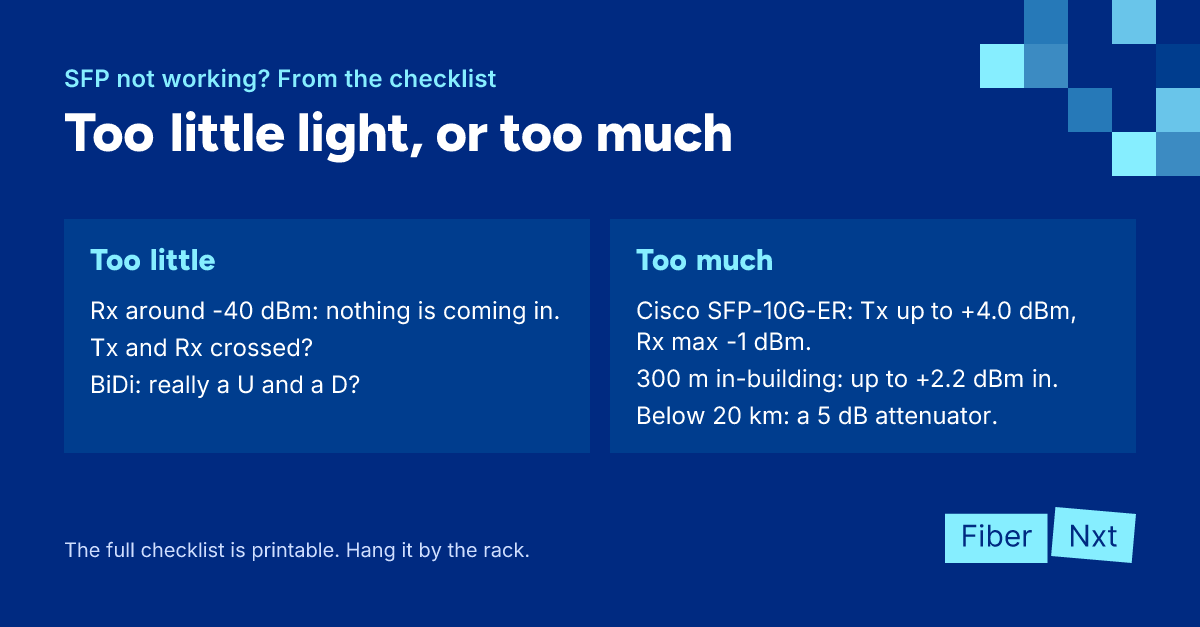
New SFP in, port LED stays dark. Or worse: the link comes up and drops again every few minutes. You can start guessing, or you can work through a fixed order: first the things you check in ten seconds, then the ones that need a scope, a meter or a second optic. Below is that order as a printable checklist, with a short why for each step. Start at the top, even if you're sure it's the optic.
The checklist
- Check that the transceiver is fully seated and the latch is closed.
- Check that both ends run the same speed and the port is configured for it.
- Set auto-negotiation the same on both ends, and leave it on for a 1000BASE-T copper SFP.
- Check that a BiDi link has one U and one D module, with mirrored wavelengths.
- Check reach code against the fiber: SR and SX on multimode, LR and LX on single-mode, and a reach that matches the link's loss.
- Check that Tx on one end lands on Rx on the other end of a duplex link.
- Inspect every connector in the path, clean it and inspect again.
- Check that no APC (green) connector is mated to UPC (blue).
- Walk the path for kinks and bends that are too tight.
- Read DOM on both ends and compare Rx power with the receive range in the datasheet.
- Fit an attenuator per the datasheet if there's too much light.
- Check the logs to see whether the switch recognises and accepts the optic.
- Swap in a known-good spare optic, then swap the patch cable.
Port and configuration
A module that isn't fully seated won't make reliable contact. Next, speed. A 1G SFP and a 10G SFP+ won't talk to each other, even if both transmit at 1310 nm; 1000BASE-LX and 10GBASE-LR are different signals. Putting a 1G optic in an SFP+ port depends on the platform: some detect it by themselves (Juniper documents this for the EX4300-48MP uplink), on others you set the speed. Check your switch's documentation.
Auto-negotiation on 1000BASE-X (fiber) doesn't negotiate speed, but it does cover duplex, among other things. With it on at one end and off at the other, some combinations keep the link down while light is arriving just fine. On a copper SFP (1000BASE-T), IEEE 802.3 makes auto-negotiation mandatory.
Pair, fiber and connectors
- BiDi — two identical modules never work; see BiDi pairs explained.
- Single-mode or multimode — SR and SX are specified for multimodeMultimode Fiber with a 50 µm core (OM3/OM4/OM5) that carries light in multiple modes. Cheaper optics, but limited to a few hundred metres. only. LX over legacy multimode can work, but Cisco then requires a mode-conditioning patch cord, whatever the distance.
- Reach — loss decides whether your optic makes the link, not distance. Use the TIA-568 maximums: 0.75 dB per mated connector pair, 0.3 dB per splice, 3.5 dB/km for multimode at 850 nm and 1.0 dB/km for single-mode inside a building. Keep about 3 dB of margin; there's a worked example in reach codes.
- Tx and Rx crossed — on a duplexDuplex Link that uses two fibers: one to transmit, one to receive. The default for most SFP and QSFP optics with an LC duplex connector. link, Tx at one end has to land on Rx at the other. If neither end sees light while both are transmitting, swap the two LC connectors at one end.
- Dirt — IEC 61300-3-35, the standard for end face inspection, grades pass/fail on core and cladding. Remove loose particles around them anyway: they can migrate onto the core and cladding. Inspect, clean, inspect again, and only then plug in.
- APC on UPC — green (APC, angled) mated to blue (UPC) leaves an air gap: loss, poor return loss and possible damage to both end faces. See fiber patch cable color codes.
- Bend radius — G.657.A2 fiber is rated down to 7.5 mm, A1 to 10 mm. Bend it tighter and you quickly lose a lot of light.
DOM and too much light
DOM/DDMDOM/DDM Digital Optical Monitoring / Digital Diagnostic Monitoring: the transceiver reports live temperature, supply voltage, laser bias current and transmit and receive power. tells you in one command how much light is arriving. Rx around -40 dBm means nothing at all. Compare it with the receive range in the datasheet, not just the thresholds, and remember that SFF-8472 allows ±3 dB of measurement error. Per-platform commands are in reading DOM/DDM. If the link flaps, check whether Rx sits close to either limit.
The opposite problem, too much light, usually follows an ER ordered "to be safe". A Cisco SFP-10G-ER transmits up to +4.0 dBm and accepts at most -1 dBm. On a 300 m in-building run with two connector pairs, even the TIA-568 maximums give no more than 1.8 dB of loss. That leaves up to +2.2 dBm at the receiver, more than 3 dB too much. That's why Cisco requires a 5 dB attenuator below 20 km, and up to 15 dB for ZR below 5 km. On a duplex link both receivers get too much, so you fit one per direction, in front of the Rx port.
Coding and the swap test
Light arriving, DOM looks fine, but the port stays down or the switch reports an unsupported transceiver? Then it's codingCoding The vendor identification in a transceiver's EEPROM. Many switches only accept optics coded for their own brand.: the switch reads the EEPROM and rejects what it doesn't know. The fix is an optic coded for your platform, not a trick to get around the check.
Last step: swap. First the optic for a known-good spare, then the patch cable. If the fault follows the optic, you have your answer; if it stays with the port or the path, so do you. No spare at hand? Read the spares check.
What to do now
Print the checklist and pin it next to the rack. Clean with a Clear Connection Tool; an OS2 patch cable or replacement optics we deliver same day in Amsterdam. Our optics come from Solid Optics, a Dutch company. They're tested in the Netherlands, on customer equipment too, and carry a lifetime warranty. Still stuck? Call an engineer or have the link measured through our services.

Founder of FiberNxt and Xyphen IT
Yvan Watchman is the founder of FiberNxt and Xyphen IT. He has been building and running networks and data centre infrastructure in and around Amsterdam for years.
Related products and services
Frequently asked questions
The switch recognises my SFP but the link stays down. Where do I start?
Read DOM on both ends. If Rx sits around -40 dBm, no light is arriving: check that Tx and Rx aren't crossed, that a BiDi link has one U and one D module, and that the connectors are clean. If light is arriving, look at speed and auto-negotiation on both ports.
Can an SFP receive too much light?
Yes. Long-distance optics (ER, ZR, ZX) can overload the receiver on a short link. A Cisco SFP-10G-ER transmits up to +4.0 dBm and accepts at most -1 dBm; Cisco requires a 5 dB attenuator below 20 km. Check the maximum receive power in your optic's datasheet.
Why does my fiber link keep flapping?
Often the Rx power sits close to one of the datasheet limits: just above the minimum because of dirt or too much loss, or just below the maximum on a short link with a long-reach optic. Read DOM and compare it with the receive range.